Tips & Advice
University Heights Security: Compact Home and Apartment Service
Key Takeaways
- University Heights mixes early 1900s Craftsman bungalows and converted apartments, so compact wireless systems fit better than hardwired whole-home setups.
- Plaster walls and original trim in older homes make wireless, adhesive-mounted gear the practical choice that avoids drilling and damage.
- Renters can protect a unit with removable sensors, battery cameras, and reversible smart locks that peel off cleanly and travel to the next address.
- A studio or one-bedroom usually needs only a door sensor, a motion detector, and a small hub for one or two entry points.
- Common local weak spots include original single-pane windows with worn latches, alley-facing back doors, and shared apartment entrances where packages go missing.
- Self-monitoring has no monthly fee, while professional monitoring adds a monitoring center and emergency dispatch for a recurring charge.
- Battery backup plus a cellular connection keeps a small system working through power and internet outages.
- Fewer entry points and wireless gear usually make an apartment or studio install cost less than a large hardwired home.
In This Article
A Craftsman bungalow near Trolley Barn Park has charm that modern houses cannot copy. It also has thick plaster walls, original wood windows, and almost no clean path to run security wiring. Owners who want to protect the place often worry they will have to cut into those walls to do it. That is not the case anymore.
The same goes for a studio off Park Boulevard. A renter there wants a camera and a door sensor, not a lease violation and a lost deposit. Small spaces and older buildings need a different approach than a four-bedroom house in a newer part of San Diego.
Why Security Looks Different in University Heights?
University Heights is a mix of early 1900s bungalows, converted apartment buildings, and tight residential streets where parking fills up by early evening. That mix shapes what kind of security setup actually fits. A plan built for a sprawling suburban home does not translate well to a 600-square-foot unit or a plaster-walled Craftsman.
Compact home security here means working around older construction and rental rules at the same time. Many residents rent, and many own homes that predate modern electrical standards. Both groups need gear that protects entry points without permanent damage.
Apartment security in this neighborhood also has to respect shared spaces. When you share a front entry or a hallway with other tenants, you cannot treat the whole building like it belongs to you. The right system covers your unit and your doorway while staying inside the lines of what you control.
Older Bungalows and Craftsman Homes Off Adams Avenue
The Craftsman homes off Adams Avenue were built when electrical wiring was a luxury, not a standard. Many were wired decades after they were framed, so there is no neat chase or conduit path running through the walls. That history matters the moment someone tries to install hardwired security gear.
These houses often have lath and plaster walls, which are dense and crumbly at the same time. Drilling through plaster can crack the surrounding surface and release a cloud of century-old dust. Running low-voltage cable behind that kind of wall usually means opening it up, which no owner wants to do to a home they bought for its original character.
That build era is exactly why wireless security makes sense here. Battery-powered sensors and cameras talk to a hub over radio signals, so there is no cable to fish through plaster. The fix matches the house instead of fighting it.
Owners also tend to want to preserve original trim and millwork. Wireless gear mounts with slim brackets or adhesive, so the woodwork that gives these homes their value stays intact. You get the protection without altering what makes the house worth protecting.
Apartments and Converted Units Near Park Boulevard
The Park Boulevard corridor is full of apartment buildings and older homes carved into multiple units. These rentals share walls, entries, and sometimes a single front door that leads to several apartments. That shared layout changes what a tenant can reasonably install.
Square footage is tight in many of these units. A studio or junior one-bedroom does not have room for a bulky panel or a tangle of equipment. The setup has to be small and self-contained, protecting the unit door and maybe a window without taking over a closet.
Rental rules are the other hurdle. Most leases restrict drilling, hardwiring, or anything that alters the building. A tenant who screws a camera bracket into a shared hallway can end up in a dispute with both the landlord and the neighbors.
That is why apartment security in this corridor leans on removable, wireless gear. Residents can protect their own rental unit, keep the lease intact, and take the equipment with them when they move. Our residential alarm installation work in these units is built around that reality.
Dense Parking and Alley Access as a Risk Factor
University Heights has narrow streets and heavy on-street parking, especially near Trolley Barn Park and the shops along Adams Avenue. Cars line both curbs, and foot traffic runs high during the day and into the evening. All of that affects where cameras and sensors do the most good.
Many homes here have alley-facing garages and back entries. Alleys see less eyes than the street, which makes an alley-facing door a quieter target for someone testing handles. Camera placement should account for that blind side, not just the front porch.
Street parking also means a lot of people walk past your property every day. A front doorbell camera catches normal pedestrian flow, so it needs a detection zone set to your porch and walkway rather than the whole sidewalk. Otherwise you get an alert every time a neighbor strolls by.
We map these angles during the planning stage. The goal is coverage where risk is real, like the alley entry and the back door, without flooding your phone with motion alerts from the busy street out front.
What Counts as Compact Home and Apartment Service?
A compact security system is built for small spaces with one or two main entry points. It skips the large control panels and dozens of sensors that a big house needs. Instead it focuses on the doors and windows that actually matter in a studio, apartment, or bungalow.
Small space security is about right-sizing. You do not need twelve sensors when you have one exterior door and two windows. Over-buying gear wastes money and clutters a tight layout.
Our home service for these properties centers on three things: the right number of sensors, wireless gear that does not damage walls, and mobile control so you can check in from your phone. Everything below fits that approach.
Systems Sized for One or Two Entry Points
A studio or one-bedroom usually has a single exterior door and a window or two. That means the core system can be simple: a door sensor, a motion detector, and a small hub to tie them together. There is no reason to install hardware for rooms that do not exist.
The door sensor is the anchor. It tells the system when your main entry opens, which is the first thing you want to know. A single contact sensor on that door covers the most likely path in.
A motion detector backs it up by watching the interior space. If someone gets past the door, the motion sensor catches movement inside. In a small unit, one well-placed detector covers most of the floor area.
Compare that to a whole-home layout, where you might have sensors on every ground-floor window, multiple motion detectors, and cameras on several sides. A compact setup strips that down to what a small footprint genuinely needs. Our intrusion sensor installation is sized to the space, not sold by the unit.
Wireless and Battery Options for Walls You Cannot Drill
Wireless security is the default for renters and historic homes. Adhesive contact sensors stick to a door or window frame with strong tape, no screws required. They peel off cleanly later, which protects both plaster walls and security deposits.
Battery cameras remove the other wiring headache. A battery-powered camera does not need an outlet nearby or a cable run through the wall. You mount it where it sees what matters, charge it every few months, and skip the electrical work entirely.
A wireless hub ties the whole system together over radio and connects out through your internet or a cellular link. Because nothing is hardwired, the entire setup can be installed without opening a wall or running a single cable. That is the renter-friendly part that makes these systems work in buildings where drilling is off the table.
For owners of older bungalows, wireless gear also means no compromise on the home itself. The walls, trim, and original finishes stay as they are. You add modern protection on top of a century-old house without changing the house.
Mobile Monitoring for Small Units
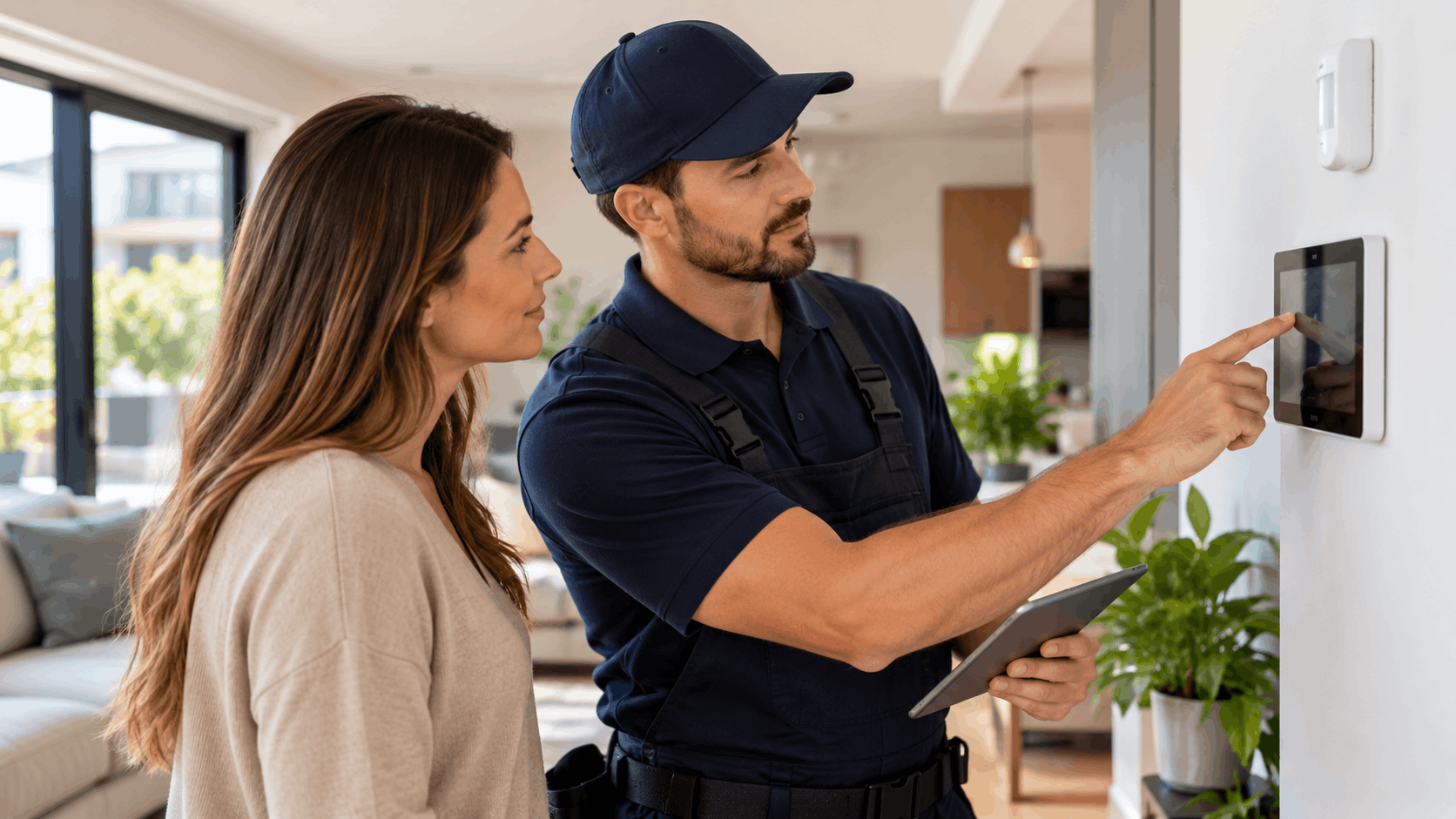
Everything runs through a phone app. You arm and disarm the system, watch a live camera feed, and get alerts when a sensor trips. For someone in a compact space, that is often all the control panel they ever touch.
Alerts land on your phone in real time. If a door opens while you are at work or out on Adams Avenue, you know immediately and can pull up the camera to see what happened. That beats walking in blind later.
The app also lets you check in on purpose. People in small units often want to glance at the live view before they get home, or confirm the system is armed after they leave. A quick tap answers the question.
Mobile control pairs well with smart home features too. If you add a smart lock or lights, the same app can run those. Our voice and app control setup brings it under one roof so you are not juggling five apps.
Need Help in San Diego?
Smart Shield Systems serves San Diego and all of San Diego County.
Get Your Free Quote
Tell us about your property and we'll get back to you fast.
Picking the Right Equipment for a Small Space
Choosing gear for a tight layout is mostly about restraint. You want enough coverage to catch a real entry, not a pile of sensors that overlap and over-alert. The best small-home setups are deliberate.
Security equipment for compact spaces also has to fit the physical constraints of older University Heights homes. Narrow original window trim, crowded small rooms, and shared walls all shape what hardware works. Cameras and sensors that suit a new suburban build may not fit here.
The sections below cover the four pieces most small homes and apartments use. Pick what your entry points and layout actually call for.
Door and Window Sensors That Fit Tight Trim
Older University Heights homes often have narrow original window frames with little flat surface to work with. A bulky contact sensor will not sit flush on that kind of trim. Slim sensors are made for exactly this problem.
A contact sensor comes in two parts: one on the moving sash or door, one on the frame. When they separate, the system knows the opening moved. The slim versions have a smaller profile so they fit on the thin wood stops common in homes from this era.
Window sensors matter here because many of these homes still have their original single-pane wood windows. Those windows are a soft spot, so a sensor on the ones at ground level adds a layer the old latch cannot provide. You get an alert the moment the sash lifts.
Placement takes a little care on tight trim. We position the two pieces so they line up within the sensor's gap tolerance, which keeps them from false-triggering when the window shifts slightly in its frame. On old wood windows that move with the weather, that alignment is worth getting right.
Cameras for Doorways, Alleys, and Shared Hallways
A doorbell camera at the front entry is the most useful single camera for most homes here. It catches deliveries, visitors, and anyone who approaches the door. For bungalows along the side streets off Adams Avenue, it covers the porch where packages land.
Discreet indoor cameras work for renters and small-unit owners who want eyes inside without an obvious outdoor install. A small indoor camera pointed at the entry door covers the main way in while staying out of your neighbors' view. Our home security camera installation keeps the lenses aimed at your own space.
Alley-facing doors and garages deserve their own camera when possible. The alley is the quiet side, so a camera there covers the entry that gets the least natural attention. Angle it to catch the door and the approach, not the full length of the shared alley.
Neighbor privacy matters in a dense neighborhood, and in shared spaces it is also a courtesy and sometimes a rule. Aim cameras at your door and your property, not into a neighbor's window or across a shared hallway in a way that films other tenants. Keeping the view on what you control avoids conflict and keeps the footage useful.
Motion Sensors Without False Alarms From Pets
Pets set off a lot of motion alarms, and in a small apartment the pet is always nearby. Pet-tolerant motion sensors are built to ignore animals under a certain weight while still catching a person. They read the size and movement pattern, not just heat.
Placement does the rest of the work. In a small room where furniture crowds the space, a motion sensor aimed too low will catch a cat on the couch. Mounting it higher in a corner, angled across the room rather than down at the floor, keeps pets out of the hot zone.
You also want the sensor pointed away from heat sources like a sunny window or a radiator. Rapid temperature swings can fool a basic sensor into reading movement that is not there. In a compact unit those sources are closer to everything, so the angle matters more.
Getting this right is the difference between a system you trust and one you mute. A sensor that cries wolf every afternoon gets ignored, and an ignored system protects nothing. We dial in placement during setup so the alerts you get are the ones that count.
Hubs and Smart Locks for Keyless Entry
The control hub is the brain of a compact system, and it is small. It connects your sensors and cameras, runs the alerts, and links out to the internet or a cellular network. In a tight unit it sits on a shelf or counter and stays out of the way.
Smart locks add keyless entry and fit most standard deadbolts. Many models replace only the interior half of the lock, so the exterior keyed cylinder stays in place. That design lets a renter install one and swap it back out at move-out without touching the door's exterior.
Keyless entry is handy in a small space where you may not want to carry keys for a quick trip out. You unlock from the app or a code pad, and you can give a code to a guest or a dog walker instead of a spare key. Our smart lock installation covers the deadbolt-compatible models that suit rentals.
For renters especially, the reversible design is the point. A lock that comes off clean at the end of a lease travels to the next place with you. You are not buying hardware you have to abandon when you move.
Renter-Friendly Setups That Do Not Break the Lease
Renters in University Heights worry about two things: the deposit and the landlord. A security setup that drills into walls risks both. The good news is that modern wireless gear was built to avoid exactly that.
Renter security here relies on no-drill installation. Sensors, cameras, and hubs that mount with adhesive or sit on a shelf leave no permanent mark. When the lease ends, the gear comes off and the walls look untouched.
The three areas below cover how to protect a rental without crossing a lease line. The core idea is simple: install nothing you cannot cleanly remove.
Adhesive and Removable Mounts
Strong adhesive mounts hold sensors and cameras firmly, then release cleanly when you pull them off. The better mounting tapes use a stretch-release design that peels away without taking paint or leaving residue. That is what makes them safe for a rental.
Contact sensors are light, so adhesive holds them easily on a door or window frame. Even small cameras work on adhesive mounts as long as the surface is clean and flat. Prep the spot first, press firmly, and give the tape time to set.
At move-out, removal is slow and gentle, not a fast rip. Pulling the release tab straight along the wall lets the adhesive stretch and let go instead of tearing the paint. Done right, there is nothing left behind to argue about.
This is the whole reason adhesive mounting fits this neighborhood. Between the renters along Park Boulevard and the owners protecting plaster-walled bungalows, a clean-removal mount serves both. Nobody has to choose between security and their walls.
Gear You Can Take With You
Wireless systems are portable by nature. Because nothing is hardwired, the whole setup unmounts and packs into a box. When you move to your next apartment, the sensors, cameras, and hub come with you.
That portability saves real money over time. A renter who moves every year or two is not buying a new system each time. You reuse the gear you already own and just remount it at the new address.
Reconfiguring for a new place is straightforward. You reposition the sensors for the new entry points, re-aim the cameras, and the hub picks up where it left off. The system adapts to the new layout without new hardware.
For people who rent in University Heights and expect to move again within the neighborhood, this matters. Your investment follows you instead of staying behind for the next tenant. The system is yours, not the unit's.
Talking to a Landlord About Cameras and Locks
Rules vary by building, so the first step is always reading your lease. Some landlords are fine with removable gear, and some have specific terms about cameras, locks, or anything mounted to the building. Check before you install anything.
Removable, adhesive-mounted gear usually causes the fewest problems. Because it leaves no damage and alters nothing permanent, most landlords have little objection to a tenant protecting their own unit. The conversation is easier when nothing you install changes the property.
Smart locks and shared-space cameras are where you should confirm first. A smart lock that replaces the deadbolt may require landlord sign-off, even if it reverses out cleanly. Cameras in shared hallways almost always need the property owner's say-so, since those areas belong to everyone.
When in doubt, ask in writing and keep the reply. A quick email confirming the landlord is okay with your setup protects you if questions come up later. We can explain what a given install involves so you can have that conversation with accurate information.
Common Weak Spots We Find in University Heights Properties
Every neighborhood has its own pattern of weak points, and University Heights is no exception. The build era of these homes and the layout of the streets create predictable soft spots. Knowing them tells you where protection belongs.
The weak spots here tie directly to how the buildings were made. Original windows, alley-facing doors, and shared apartment entries all carry break-in risk for reasons rooted in the construction and the setting. Addressing the right entry points beats spreading coverage thin.
Below are the three we see most in local homes and units. Each one has a reason and a fix.
Original Single-Pane Windows and Old Latches
Many University Heights homes still have their original single-pane wood windows. These date to the home's build era, often the early 1900s, and the latches have had a century of use. Worn crescent latches on double-hung windows can be jimmied or popped with surprisingly little force.
The wood itself adds to the problem. Old window frames shrink, swell, and wear over the decades, so the fit between sash and frame loosens. A loose fit means the latch has less to grab, and a worn latch on a loose window is a soft entry point.
A contact sensor on the ground-floor windows handles the alert side. The moment the sash lifts, the system knows and can sound or notify. That turns a quiet entry attempt into an immediate warning.
A secondary lock handles the physical side. A simple sash lock or a pin that stops the window from rising more than a few inches adds resistance the original latch cannot. Pairing the sensor with a secondary lock covers both the alert and the delay, which is what actually deters someone.
Back Doors and Alley-Facing Entries
Back doors and alley-facing entries near Trolley Barn Park draw more attention from the wrong people. The alley is screened from the street, so someone testing a back door is less visible than they would be out front. That privacy works against the homeowner.
Many of these back doors are also older and lighter than the front. They may have the original hardware, a weaker frame, or a single-cylinder lock that is easy to work. The least-watched door is often the least-secured one too.
Camera coverage on the alley side changes that math. A camera aimed at the back door removes the privacy that made it a target and gives you footage if anyone approaches. Even a visible camera on the alley makes that entry less appealing.
Upgrading the back door lock is the companion fix. A solid deadbolt with a reinforced strike plate turns the weakest door into a real barrier. Together, the camera and a better lock cover the entry that the street never sees.
Shared Apartment Entrances and Mail Areas
Package theft is the everyday risk at shared apartment entrances. When deliveries pile up inside a shared foyer or on a common porch, anyone with access to that space can walk off with them. In multi-unit buildings along Park Boulevard, that space is not fully yours to control.
Shared doors are a security gap too. A front door that serves several units is only as secure as the least careful tenant who props it open or loses track of who has a key. You control your own unit door, but not the building entry.
What a resident can control is their own door and, where allowed, a camera aimed at their own entry. A camera on your unit door can catch someone tampering with your packages or your lock. It stays on your space, which keeps it within your rights and respects the neighbors.
What the property owner controls is the shared entry, the mail area, and any common-space cameras. If package theft is a building-wide problem, that is a conversation to have with the landlord, since they can add coverage to spaces no single tenant owns. Knowing the line between your gear and the building's keeps expectations clear.
Need Help in San Diego?
Smart Shield Systems serves San Diego and all of San Diego County.
Monitoring Choices for Compact Homes
Once the gear is in, you decide who watches it. The two main paths are self-monitoring and professional monitoring. Neither is wrong; they fit different lives and budgets.
For a compact home, the choice often comes down to how much you travel and how much you want handled for you. Someone home most of the time may be fine with phone alerts. Someone who works long shifts or leaves town may want a monitoring center on the job.
Both options matter for home security in a small space, and you can start with one and change later. The sections below lay out the trade-offs, plus the backup features that keep either option working during an outage.
Self-Monitoring Through Your Phone
Self-monitoring puts you in charge. The system sends alerts straight to your phone, and you decide what to do. If a sensor trips, you get the notification and can pull up the live view to see what is going on.
For someone home often, this works well. You are usually there to hear the alarm and check the app, and you can respond fast because you are close by. It also has no monthly fee, which keeps the cost down.
Live view is the useful part of self-monitoring. You can open the app any time and see your door, your porch, or your entry in real time. That immediate look answers most "did I leave the door unlocked" questions in seconds.
The trade-off is coverage when you are not watching. If an alert comes in while your phone is off, in a meeting, or you are asleep, nobody acts on it. Self-monitoring is only as responsive as the person holding the phone.
Professional Monitoring and Emergency Dispatch
Professional monitoring hands the watching to a monitoring center staffed around the clock. When an alarm trips, the center sees it and follows a response plan. They attempt to reach you and, if needed, contact local authorities.
This fits people who travel, work long or overnight shifts, or simply want the alarm handled when they cannot look at it. The center acts whether or not you see the alert. That coverage is the reason people pay the monthly fee.
Dispatch is the part self-monitoring cannot match. If a verified alarm goes off and you are unreachable, the center can request police or fire response on your behalf. For a home sitting empty during the workday, that matters. Our 24/7 alarm monitoring covers that around-the-clock response.
The trade-off is the recurring charge. Professional monitoring adds a monthly cost that self-monitoring does not have. Whether it is worth it depends on how often your unit sits empty and how much you want a human in the loop.
Battery Backup and Cellular Connection
A system that dies when the power goes out is not much of a system. Battery backup keeps the hub and sensors running through a power outage. For a small setup, that backup covers the gap until electricity returns.
Cellular connection does the same job for your internet. If your home Wi-Fi drops or the power takes your router with it, a cellular link lets the system still reach the outside world. That keeps alerts and professional monitoring working when the broadband is down.
The two features work together. Battery power keeps the hardware alive, and the cellular link keeps it connected, so the system stays functional even when the house loses both power and internet. For professional monitoring, that connection is what lets the center still receive an alarm.
San Diego does not see constant outages, but when a storm or grid issue hits, you want the system to ride through it. Backup power and a cellular path mean a brief outage does not leave your home unprotected. It is a small addition that holds the whole system together under stress.
What a Compact Security Install Costs?
Cost is the question everyone wants answered, and the honest answer is that it depends on your space. A studio with one door costs less to protect than a bungalow with six windows and an alley entry. The number of entry points and whether you add monitoring drive the total more than anything else.
Compact setups tend to land on the lower end because they use fewer pieces and wireless gear that installs quickly. Pricing changes over time and with your exact needs, so confirm current numbers with our team at Smart Shield Systems before you budget.
The table below shows the general factors that move the price, not fixed quotes.
| Cost Factor | Lower Cost | Higher Cost |
|---|---|---|
| Entry points covered | One door, one window | Multiple doors and windows |
| Cameras | Single doorbell camera | Doorbell plus multiple cameras |
| Monitoring | Self-monitoring, no monthly fee | Professional monitoring, monthly fee |
| Installation type | Wireless, adhesive mount | Smart locks and added hardware |
What Drives the Price Up or Down
The number of doors and windows you cover is the first driver. Each entry point needs a sensor, and more sensors mean more gear. A single-door studio sits at the low end, while a bungalow with several ground-floor windows needs more.
Cameras move the number next. One doorbell camera is modest, but adding alley coverage, an indoor camera, and a back-door camera raises the equipment total. Choose cameras for the angles that carry real risk rather than covering every direction.
Monitoring is the third factor and the one that recurs. Self-monitoring keeps the ongoing cost at zero, while professional monitoring adds a monthly charge. That choice affects both your upfront decision and your long-term budget.
Added hardware like smart locks rounds it out. A smart lock is an extra piece beyond the core alarm, so it adds to the total. None of these are required; you build the system from the pieces your space actually needs.
Equipment Cost Versus Monthly Monitoring
Security cost splits into two buckets, and it helps to budget them separately. The first is the one-time equipment cost: the sensors, cameras, hub, and any locks you buy and install. You pay that once.
The second is the monthly monitoring fee, which only applies if you choose professional monitoring. That is a recurring charge for the monitoring center's service. Self-monitoring skips it entirely.
Keeping these separate avoids a budgeting surprise. Some people focus on the gear price and forget the monthly line, or assume monitoring is baked into the hardware cost. They are two different decisions with two different price tags.
For a compact home, the equipment cost is usually modest because the system is small. The monthly fee, if you choose monitoring, is the part to weigh against how much you want hands-off coverage. Confirm both figures with our team when you plan the install.
Why Small Spaces Often Cost Less
Small spaces cost less for a simple reason: fewer entry points mean fewer sensors. A studio or one-bedroom has a short list of doors and windows to cover, so the gear list is short too. You are not paying for hardware a small unit does not need.
Wireless installation also keeps labor down. There is no cable to run, no wall to open, and no electrical work. Adhesive-mounted gear goes up faster than a hardwired system, and faster installs cost less.
The whole approach is built to match the space, not to upsell. A compact system uses what the unit calls for and leaves out the rest. For renters and small-home owners, that keeps affordable security genuinely affordable.
Compared to a large home with many sensors, multiple cameras, and a full hardwired panel, an apartment or studio install is a smaller job. Fewer pieces, simpler mounting, and a tight footprint all point the same direction on price.
Need Help in San Diego?
Smart Shield Systems serves San Diego and all of San Diego County.
How Smart Shield Systems Handles a Compact Install
Our process for University Heights homes and apartments starts with the space and ends with you knowing how to run the system. We work the same way for a plaster-walled bungalow off Adams Avenue as we do for a studio near Park Boulevard, adjusting the gear to fit each one.
The goal is a security installation that fits your layout, your lease, and your budget. Based right here in San Diego, we know the neighborhoods within it, including the older housing stock and tight parking that shape these jobs. The steps below are how we approach a compact install.
Walking the Space and Mapping Entry Points
We start with a walk of the home or unit. Looking at the actual space tells us where the real weak spots are, which a generic plan never can. In a bungalow that might be the original windows and the alley door; in an apartment it might be the single unit entry.
During the walk we map the entry points that matter. We note the doors, the ground-floor windows, and the paths someone would most likely use to get in. That map becomes the plan for where sensors and cameras go.
Tight layouts need this step more than big homes do. In a small unit, one poorly placed motion sensor can see the whole floor or almost none of it, so placement is deliberate. We figure out the angles before anything gets mounted.
We also talk through what you are worried about. If package theft at the shared entry is the concern, or a back door that always felt flimsy, that shapes the plan. The walk is as much about your priorities as the building's.
Matching Gear to the Building and the Lease
After the walk, we match the gear to the building and your situation. Wall type matters here. Plaster walls and original trim in an older home point toward wireless, adhesive-mounted gear that does not require drilling.
Whether you rent or own shapes the choice too. For renters, we lean on removable, no-damage gear and reversible smart locks so nothing crosses a lease line. For owners, we can still go wireless to protect the home's finishes, or discuss other options if you prefer.
We pick cameras and sensors that fit the physical space, like slim contact sensors for narrow window trim. The gear has to fit the house, not force the house to fit the gear. That is the whole point of matching rather than selling a fixed package.
If a smart lock or added coverage needs landlord sign-off, we flag it so you can confirm before we proceed. Our keyless entry systems include models built to reverse out for renters who move later.
Setup, Testing, and Showing You the App
Install day is where the plan goes up. We mount the sensors, place the cameras, set up the hub, and connect everything. Because the gear is wireless, this goes faster than a hardwired job and leaves your walls as they were.
Then we test every sensor and camera. Each door and window sensor gets checked to confirm it reports correctly, and every camera is aimed and verified. A system that was not fully tested is a system you cannot trust, so we do not skip this.
We also tune the settings for your space. That means setting motion sensitivity so your pet does not trigger it and adjusting camera zones so the busy street out front does not flood your phone. These small adjustments make the difference between useful alerts and ignored ones.
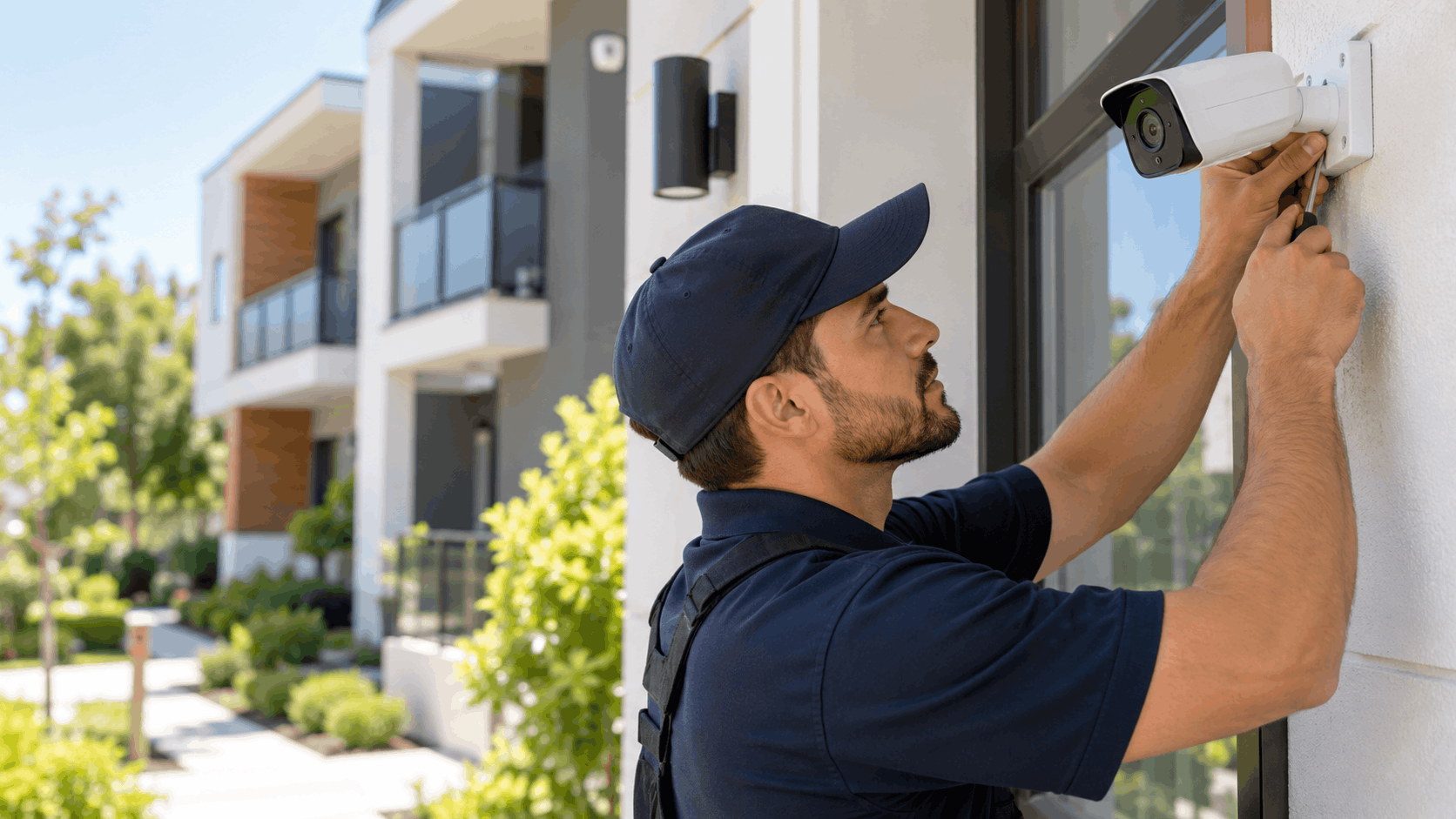
Last, we walk you through the app. You learn how to arm and disarm, pull up live view, and read the alerts, so you actually know how to use what we installed. If you ever need help after that, our team is reachable to answer questions.
Protecting Your University Heights Home or Rental
Compact homes and apartments in University Heights need security built for older walls, tight layouts, and lease rules, and wireless, removable gear meets all three without damage. To plan an install for your bungalow or rental, reach out through our contact page and our team will walk your space, map the entry points, and match the gear to your building. You can read more about our alarm systems and monitoring to see how the pieces fit together before you start.
Frequently Asked Questions
- Can I install a security system in a University Heights apartment without drilling?
- Yes. Wireless sensors and cameras mount with strong adhesive that leaves no holes, and the hub simply sits on a shelf. This works for apartments along Park Boulevard and for historic Craftsman homes with plaster walls where drilling risks cracking the surface. The gear comes off cleanly at move-out, which protects both your lease and the building. Nothing permanent gets added.
- Will the system work in a small studio or one-bedroom?
- Compact systems are built for exactly these layouts. A studio or one-bedroom usually needs only a door sensor, a motion detector, and a small hub to cover its one or two entry points. There is no bulky panel and no wasted hardware for rooms you do not have. The small footprint is the design, not a limitation.
- Can I take the system with me when I move?
- Yes. Wireless systems are portable by nature, so the sensors, cameras, and hub unmount and pack up when you leave. You remount them at your next address and reconfigure for the new entry points. A renter who moves around University Heights is not buying new gear each time, which saves money over several moves. The system is yours, not the unit's.
- Do I need my landlord's permission?
- Check your lease first, since rules vary by building. Removable, adhesive-mounted gear usually causes the fewest issues because it leaves no damage and alters nothing permanent. Smart locks and any camera in a shared hallway typically need the property owner's okay, as those touch the building or common space. When unsure, confirm in writing and keep the reply so there are no questions later.
- Does the system still work if the power goes out?
- Yes, with battery backup and a cellular connection. Battery power keeps the hub and sensors running during an outage, and a cellular link keeps the system connected if your Wi-Fi drops with the power. Together they let the system stay active and keep sending alerts even when the home loses both electricity and internet. For professional monitoring, the cellular path is what lets the center still receive an alarm.
- Will motion sensors trigger on my pet?
- Not with pet-tolerant sensors set up correctly. These sensors ignore animals under a certain weight while still catching a person, reading size and movement pattern rather than heat alone. Placement matters too; mounting the sensor higher in a corner and angling it across the room keeps a cat on the couch out of its view. In a small unit, we tune this during setup so your pet does not set off false alarms.
- Do I have to pay for monthly monitoring?
- No. Self-monitoring is an option, where alerts come straight to your phone and you respond, with no monthly fee. Professional monitoring is a separate choice that adds a monitoring center and emergency dispatch for a recurring charge. You can start with self-monitoring and add professional monitoring later if your schedule or travel changes. The choice is yours based on how hands-off you want coverage to be.
- How long does a compact install take?
- A compact setup goes faster than a whole-home system because it uses fewer pieces and wireless gear with no cable to run. A studio or one-bedroom with one or two entry points is a smaller job than a large house with many sensors and hardwired equipment. We confirm the expected timing when we plan your install, since it depends on how many sensors and cameras your space needs.
- Can I add cameras to a shared hallway?
- Shared hallways belong to everyone in the building, so a camera there almost always needs the property owner's permission. A camera must also respect neighbor privacy, meaning it should cover your own door rather than film other tenants coming and going. In most cases you can place a camera on your own unit entry, and any shared-space coverage is a conversation to have with the landlord who controls that area.
- Does Smart Shield Systems serve all of University Heights?
- Yes. We cover University Heights across its bungalow blocks off Adams Avenue, the apartment corridor near Park Boulevard, and the streets around Trolley Barn Park, along with nearby San Diego areas. Whether you own an older Craftsman home or rent a studio, we plan the install around your space and your lease.
S
Smart Shield Systems Team Team
Licensed security systems professionals serving San Diego and San Diego County.
Licensed in California · License #7623
Why trust Smart Shield Systems?
Founded in 2016, Smart Shield Systems is a licensed and insured security systems serving San Diego and San Diego County. All content is reviewed by our licensed technicians.

Need Help in San Diego?
Smart Shield Systems serves San Diego and all of San Diego County.
Related Articles
Tips & Advice
Carmel Valley Security: Family Home Master-Planned Community Service
A local guide to home security in Carmel Valley's master-planned communities, covering HOA rules, canyon and coastal challenges, system options, costs, and how Smart Shield Systems approaches each install.
Tips & Advice
Voice Control and Home Security: Setting Up Alexa and Google Home
Control your alarm, locks, and cameras with Alexa or Google Home. This guide walks through setup and routines for San Diego County homeowners.
Tips & Advice
Coronado Home Security: Island Property and Military Family Service
A local guide to Coronado home security covering island property challenges, salt air corrosion, remote monitoring for deployed military families, camera setups, and honest pricing.